This November, your team can share handouts right in a post, get answers from the help guides, and play every chord from a diagram. The metronome learns new grooves, and every plan has more room for your files.
Share files in your posts
Attach a chord chart, rota or handout when you write a post. PDFs and images show right inside the post, so your team can read them without downloading anything. Other files, like Word documents, appear as links. Deleting a post removes its files too and frees up their space.
Ask the help assistant
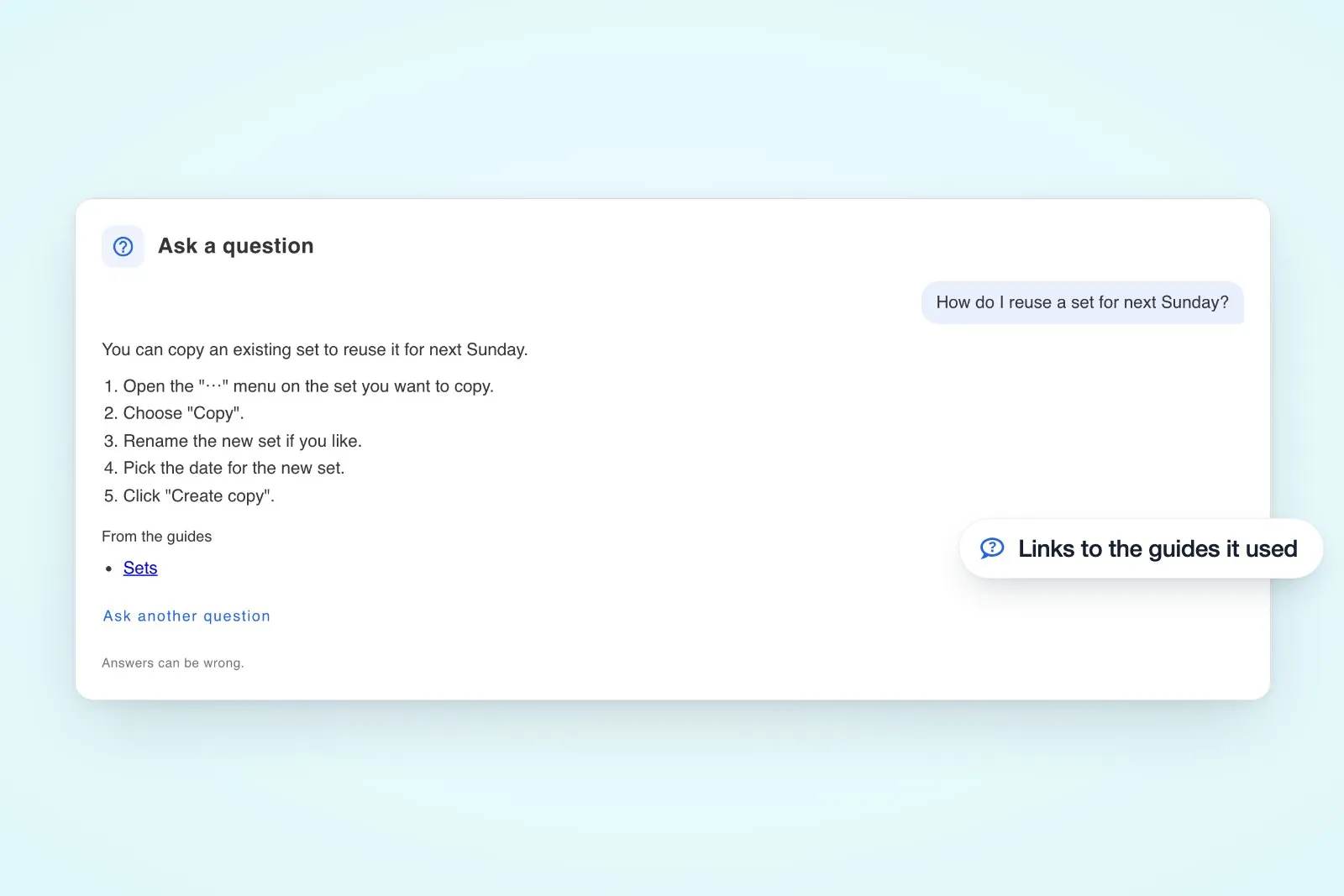
Not sure where something is? Open the feedback button and choose Ask, or use the ask box on any help page. The assistant answers from our help guides and links to the ones it used, so you can read more.
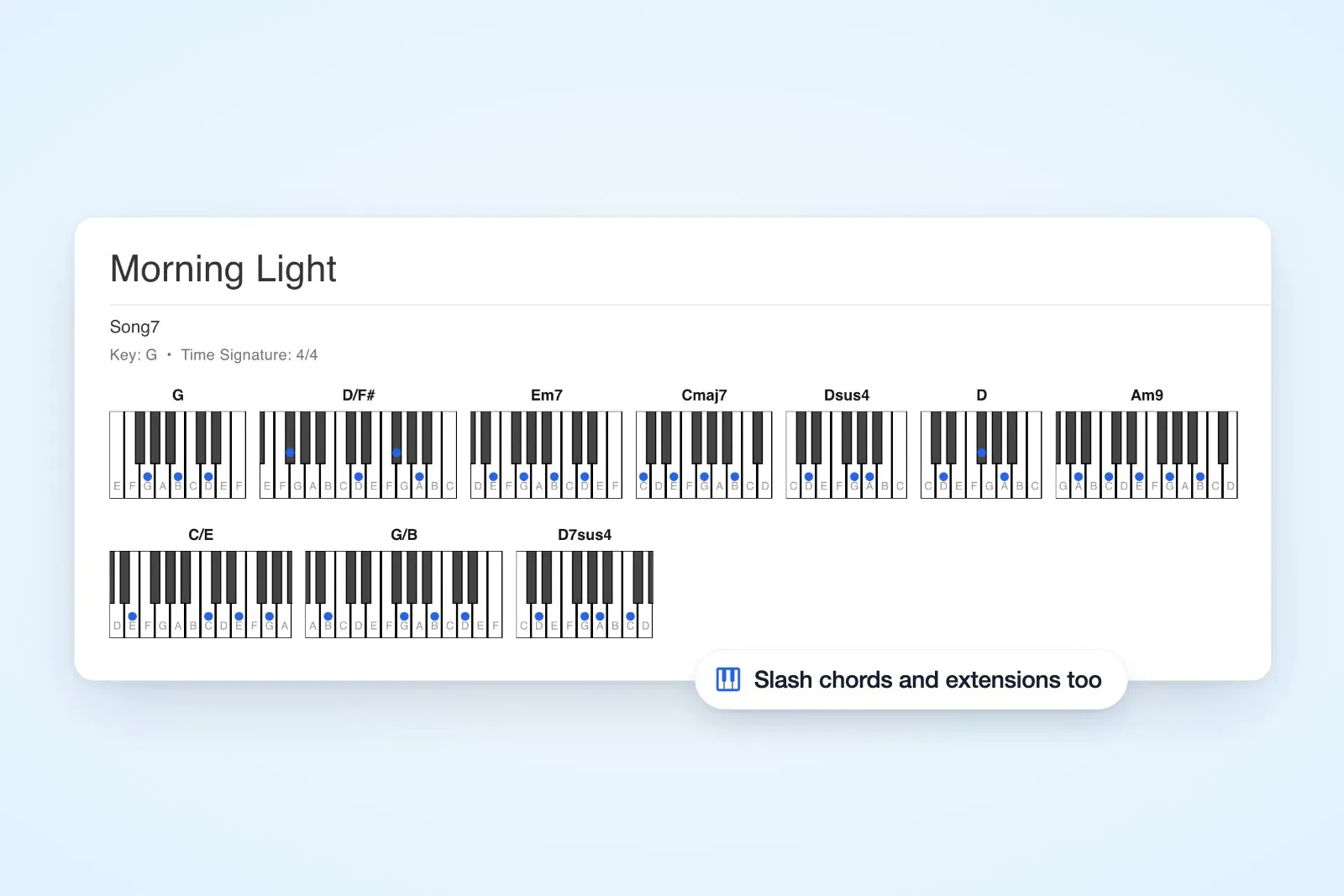
Piano diagrams for every chord
The piano diagram now works out the notes of any chord, including m9, 7sus4, dim7, m7b5 and slash chords, with the bass note lowest. Chords like C#, F# and G# now get guitar and ukulele diagrams too, and altered chords such as E7b9 transpose and colour like any other chord.
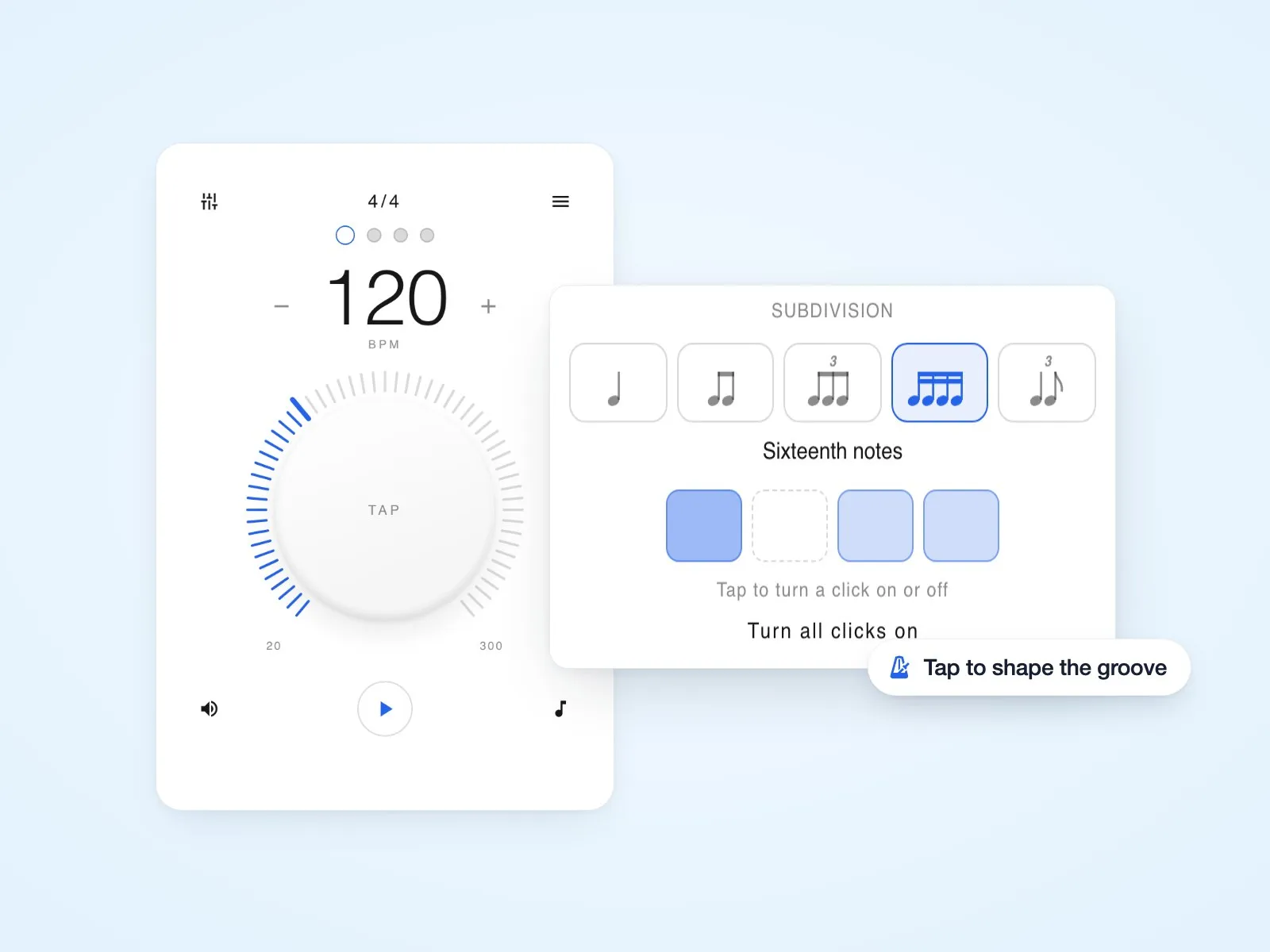
Shape your metronome's groove
In the metronome's time signature view, pick a subdivision from a row of notes instead of a list. A row of squares below it shows each click inside the beat. Tap one to turn it off for offbeats only, a gallop or a shuffle feel. Try it on the free metronome.
Also in this release
- More room for files: Every plan now includes much more storage for audio, sheet music and attachments. See pricing for each plan's allowance.
- Working offline: Creating, editing and deleting songs, posts and sets no longer waits for a connection. Changes save on your device and sync when you're back online.
- Sets and the library: If a song in a set was deleted from your library, you can Save to library to bring it back. Archived songs offer Unarchive instead.
- Chord charts: Bar lines like
| E | B | A |are coloured as chords, chords next to repeat signs transpose correctly, and chord-like words in lyrics are left alone. - Clearer messages: Errors now explain what went wrong in plain words, such as a lost connection or an expired session, in your language.
- Space transfers: The transfer dialog explains that a space keeps its plan, and how to transfer a paid space.
- Steadier song pages: Fixed a problem where going from a song to the sets page could stop updates until you reloaded.
New to the app? Short how-to videos now sit beside the help guides they cover.