This October, you can use the app in four more languages, follow each song at a glance, reuse sets for your next service, and bring song edits back to your library. There are also more tuning options to help your team get ready to play.
Plan in your own language
The app now speaks German, Spanish, French and Portuguese (Brazil), alongside English and Danish. Pick your language from the user menu (your profile picture, top right). It only changes your own view, so everyone on the team can use their own language with the same songs and setlists. The new languages are marked Beta, so if something reads oddly, let us know.
See where you are in a song
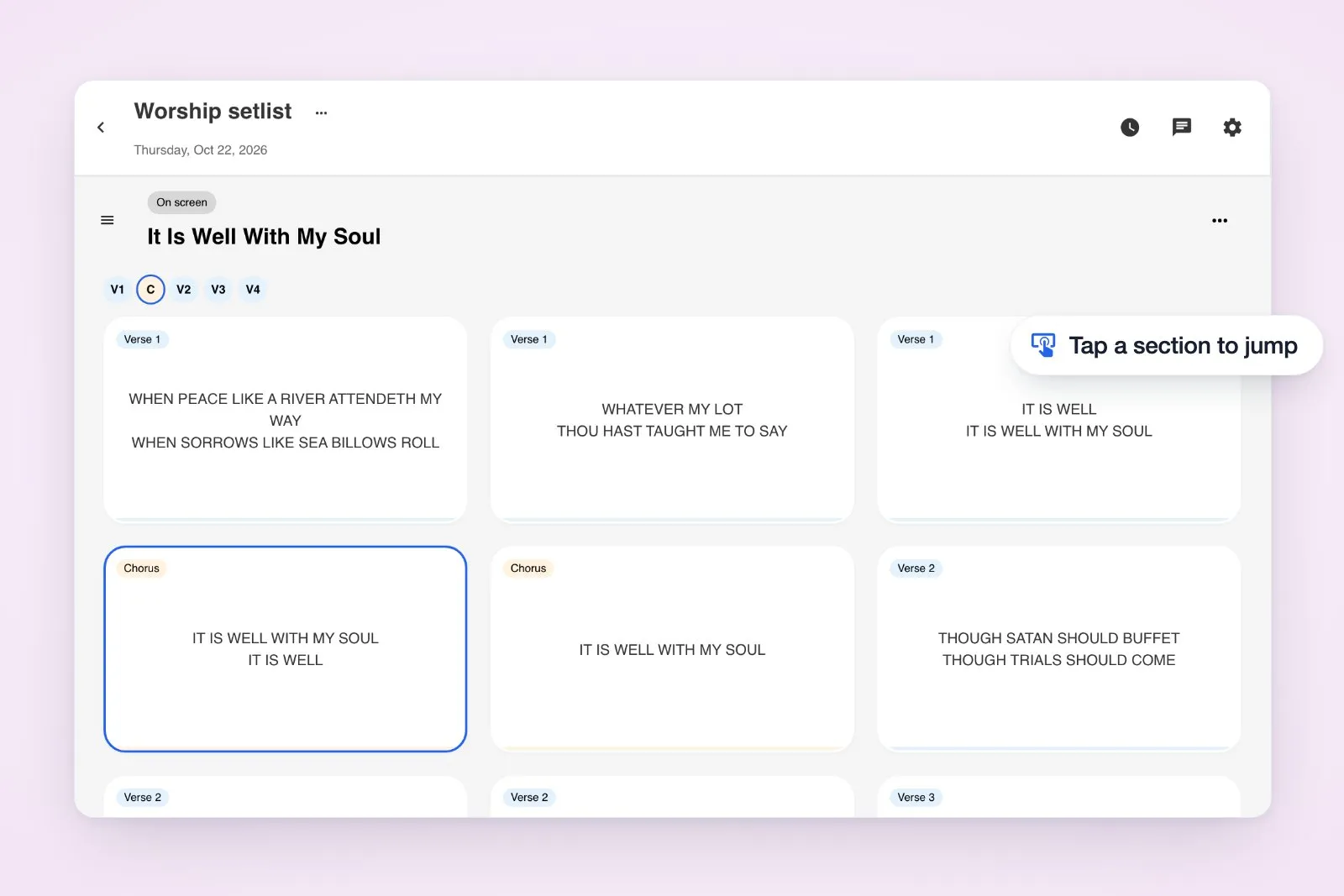
Presentation slides are now coloured by song section, so you can spot verses, choruses and bridges at a glance. Tap a section label (V1, C, V2, B…) above the slides to jump there. The current section stays highlighted as you go.
Give a favourite set another Sunday
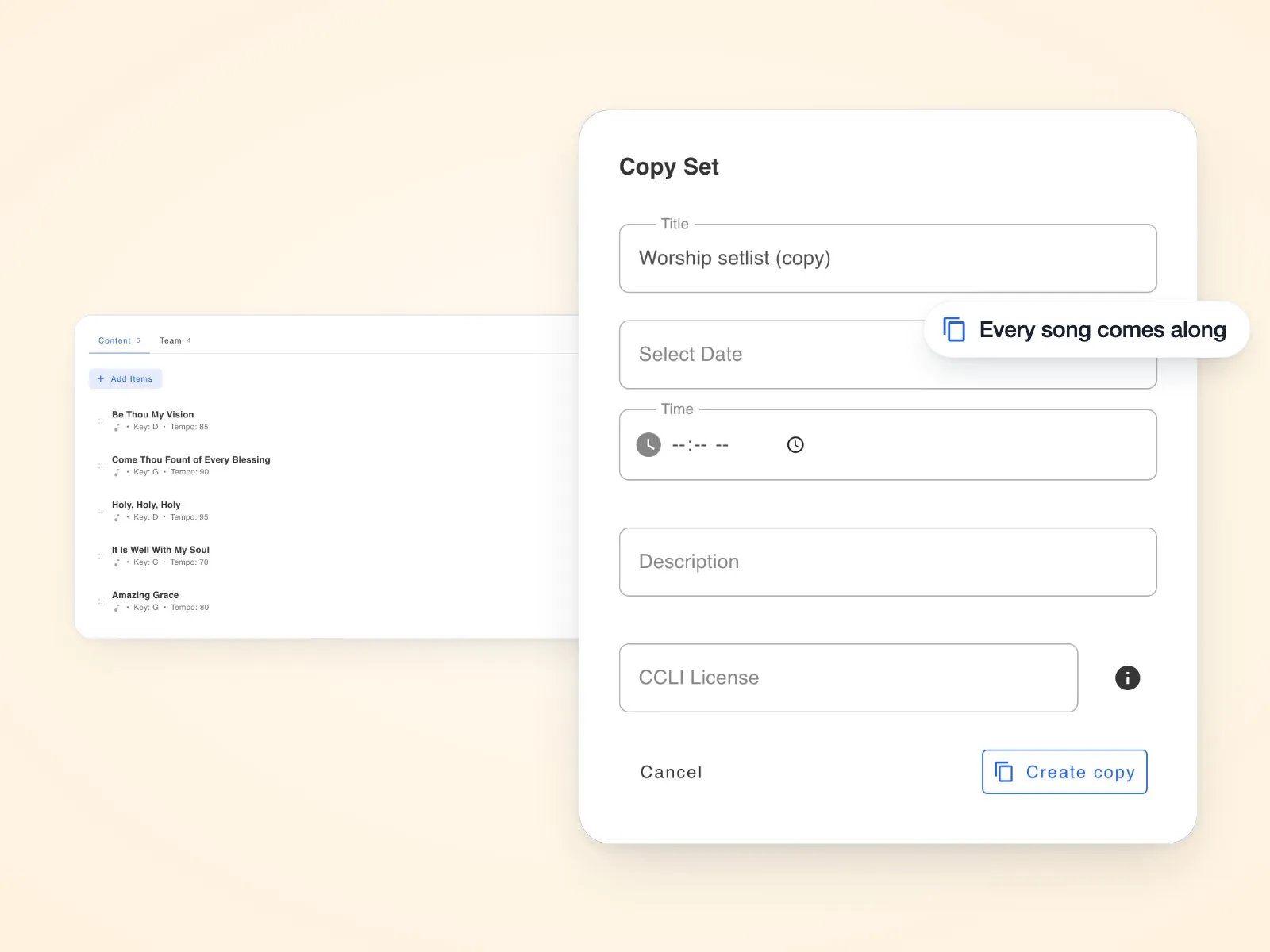
Choose Copy from a set's menu to reuse it, songs and all. Your copy opens with a fresh date field, ready to name and schedule for the next service.
Keep your library up to date
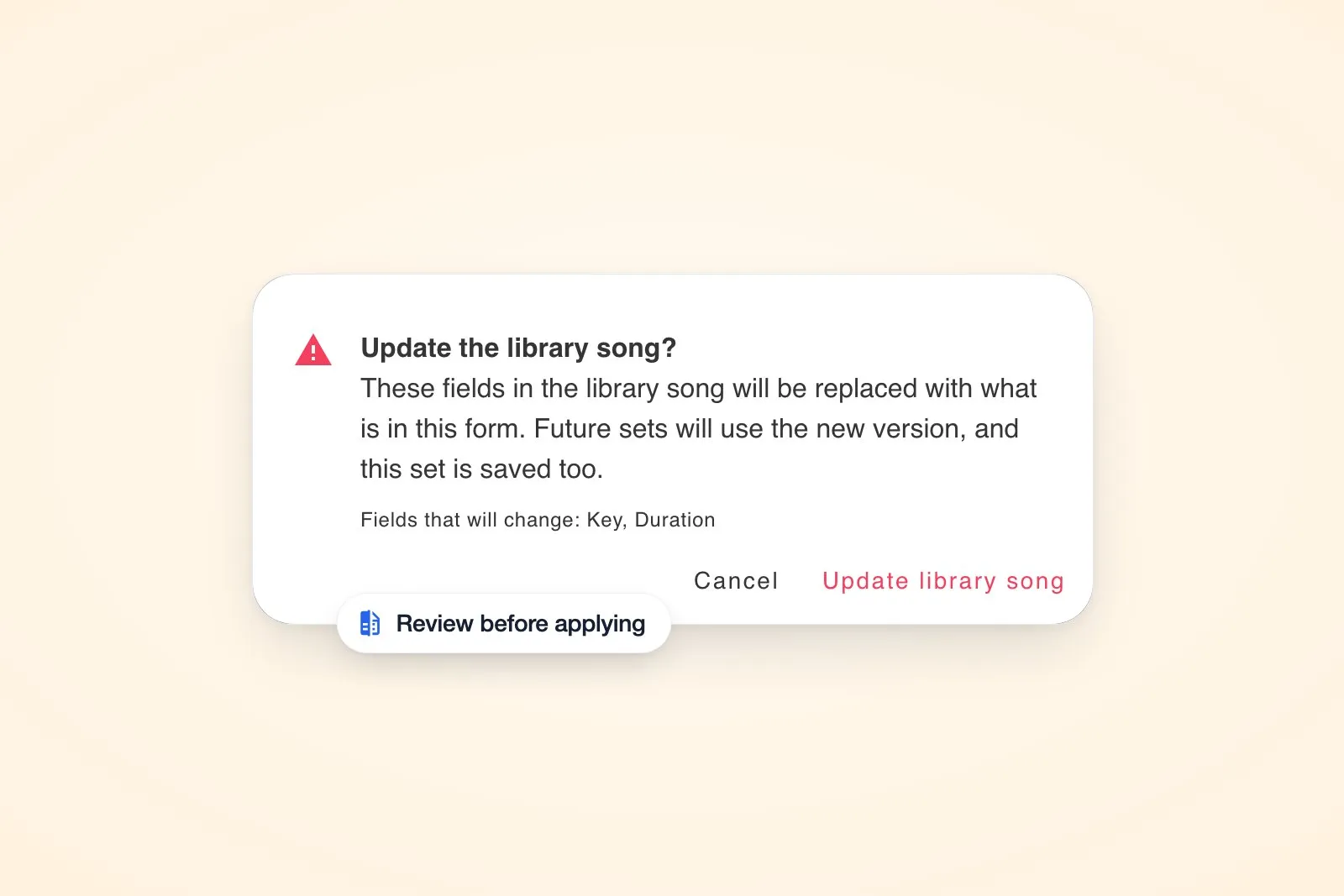
You can tailor a song to a particular service by editing its set copy. Want to use those changes again? Choose Update library song and review exactly which fields will change before applying them to your library.
Tune up for your team's sound
The updated tuner supports guitar, bass, ukulele and chromatic tuning, including drop D, half step down and DADGAD. String lock and an adjustable reference pitch help you match your setup. Open it from a song's toolbox or Live View, or try the tuner on its own.
Keep lyrics readable over any background
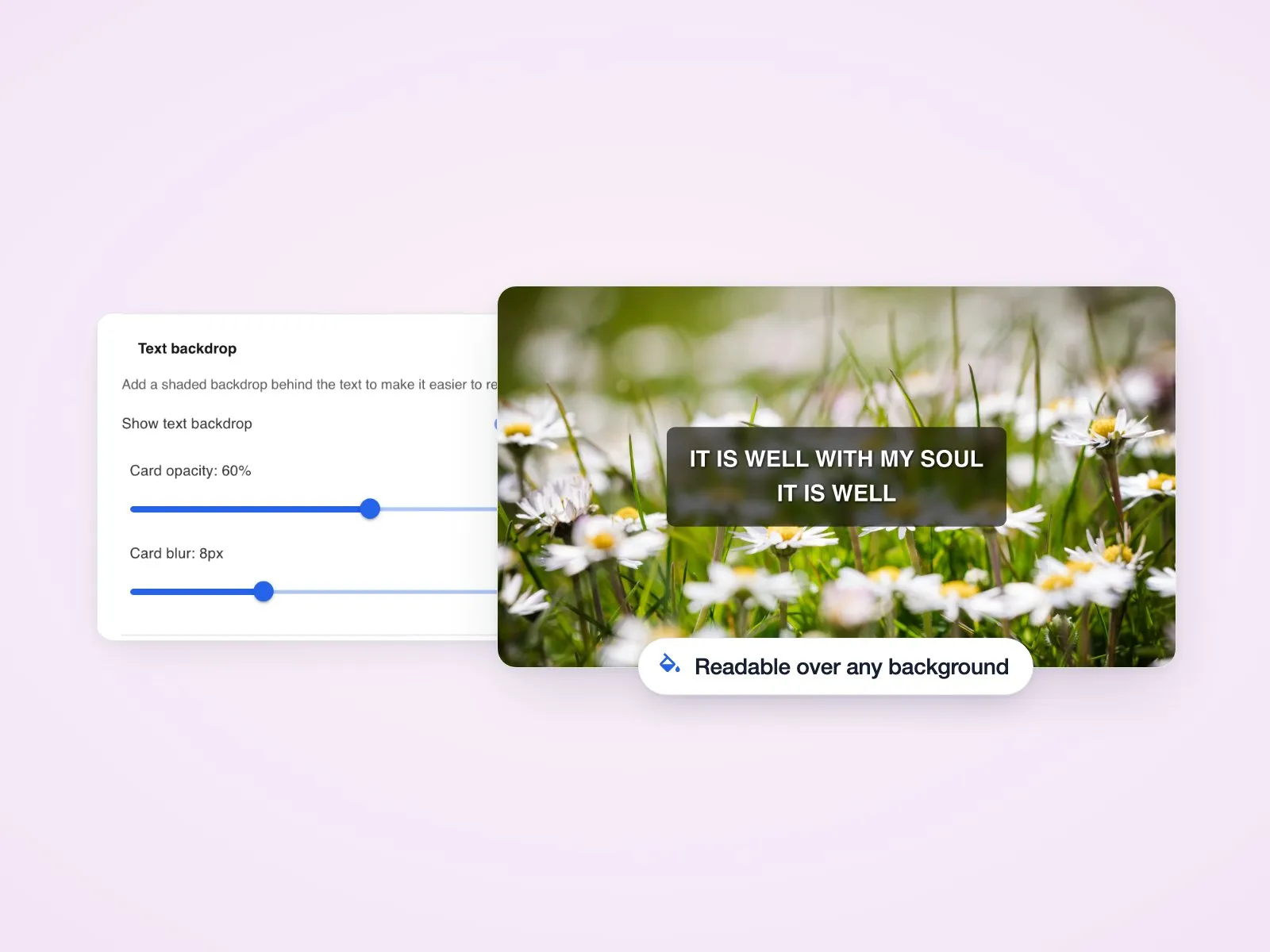
Turn on Text backdrop in Presentation Settings to add a shaded area behind the words. Adjust its opacity and blur so lyrics stay clear over photos and video backgrounds.
Also in this release
- Quicker planning: Set pages load faster, and you can add a predefined team in one step, skipping people already included.
- Presentation refinements: Run the countdown while setting up, preview slides sized for your iPhone, and keep lyrics-only slides focused on the words, with bar lines and rhythm slashes hidden alongside chords. Presentation Settings slides fully out of view when you close it.
- Song shortcuts: Jump to notes, links, attachments, sheet music or audio using the icons beneath a song's title.
- Keys and tracks: The key picker marks a song's original key, so it's easy to find your way back, and audio tracks show their true length.
- Smoother invites: People you add to a space now get an email letting them know, and copied invite links show under Pending invites like emailed ones. To join from an invite, people now verify their email address first, and the invite page shows them how. While you're the only one in a space, the Members tab offers a quick way to invite your team.
- Set and song pages: Expand a set's Team from the set list to see who's assigned, and edit a member's roles from their menu. Song create and edit pages keep Update in reach while you scroll.
- Extra safeguards: Review a confirmation before deleting a song, with strengthened permission checks for spaces, songs and files too. Disabled members lose access to the space until an admin turns them back on.
- Offline use: Your first visit downloads much less, because pages and images are now saved as you open them instead of all at once. The ones you've visited still open offline.
- Email preferences: Unsubscribing from an updates email also unticks Receive updates and news emails in your Email Preferences, so the two always match.
Explore the new guide to sets and articles on song repetition and tempo for more planning ideas.